
유니티가 기본 지원하는 밉맵 자동 생성은 영 시원찮아서
주워다 쓰는 중인 수동 밉맵 생성
포-토샵으로 줄여서 미리 이미지를 이름 맞춰서 넣으면 적당히 적당히 밉맵을 세팅해준다.
문제는 버그가 좀 있어서 파일을 함부로 넣었다만 무한 로딩 iteration에 빠지게 된다는 것.
오늘도 까먹어서 삽질 좀 했으므로 기록하여둔다.
유니티 에셋 폴더에 크키 조절한 이미지 파일을 밉맵이 적용되지 않게 이름을 적당히 바꿔서 먼저 집어 넣고
로드가 다 되고 나면 .mip1 .mip2 이런식으로 제대로 이름을 수정하면 무한 로딩에 빠지지 않는다. (유니티 에디터 프로젝트 창 안에서 하나씩)
https://www.programmersought.com/article/62534451752/
using System.Collections;
using System.Collections.Generic;
using UnityEngine;
using UnityEditor;
using System.IO;
using System.Text.RegularExpressions;
public class TestTextureIporter : AssetPostprocessor {
bool m_isReadable;
bool m_importing;
bool ShouldImportAsset(string path)
{
string pattern = GetMipmapFilenamePattern(path);
string mip1Path = string.Format(pattern, 1);
return File.Exists(mip1Path);
}
string GetMipmapFilenamePattern(string path)
{
var filename = Path.GetFileName(path);
var filenameWithoutExtention = Path.GetFileNameWithoutExtension(path);
var extension = Path.GetExtension(path);
var directoryName = Path.GetDirectoryName(path);
return Path.Combine(directoryName, filenameWithoutExtention + ".mip{0}" + extension);
}
void OnPreprocessTexture()
{
string extension = Path.GetExtension(assetPath);
string filenameWithoutExtention = Path.GetFileNameWithoutExtension(assetPath);
var match = Regex.Match(filenameWithoutExtention, @".mip(\d)+$");
if(match.Success)
{
string filenameWithoutMip = filenameWithoutExtention.Substring(0, match.Index);
string directoryName = Path.GetDirectoryName(assetPath);
string mip0Path = Path.Combine(directoryName, filenameWithoutMip + extension);
TextureImporter importer = (TextureImporter)TextureImporter.GetAtPath(mip0Path);
if(importer != null)
importer.SaveAndReimport();
}
if (ShouldImportAsset(assetPath))
{
m_importing = true;
string pattern = GetMipmapFilenamePattern(assetPath);
int m = 1;
bool reimport = false;
while(true)
{
string mipPath = string.Format(pattern, m);
m++;
TextureImporter importer = (TextureImporter)TextureImporter.GetAtPath(mipPath);
if(importer != null)
{
if(!importer.mipmapEnabled || !importer.isReadable)
{
importer.mipmapEnabled = true;
importer.isReadable = true;
importer.SaveAndReimport();
reimport = true;
}
continue;
}
else
{
break;
}
}
if(reimport)
{
m_importing = false;
return;
}
TextureImporter textureImporter = (TextureImporter)assetImporter;
m_isReadable = textureImporter.isReadable;
textureImporter.isReadable = true;
}
}
void OnPostprocessTexture(Texture2D texture)
{
if (m_importing)
{
string pattern = GetMipmapFilenamePattern(assetPath);
for (int m = 0; m < texture.mipmapCount; m++)
{
var mipmapTexture = AssetDatabase.LoadAssetAtPath<Texture2D>(string.Format(pattern, m));
if(mipmapTexture != null)
{
Color[] c = mipmapTexture.GetPixels(0);
texture.SetPixels(c, m);
}
}
texture.Apply(false, !m_isReadable);
TextureImporter textureImporter = (TextureImporter)assetImporter;
textureImporter.isReadable = m_isReadable;
}
}
}


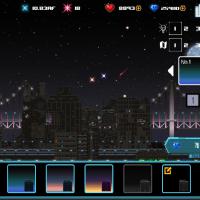
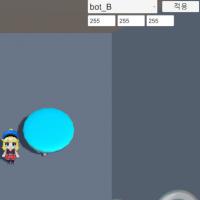
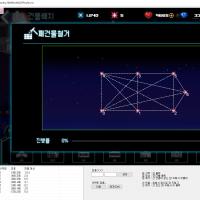
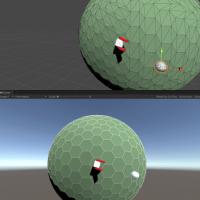


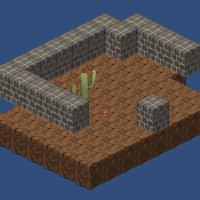

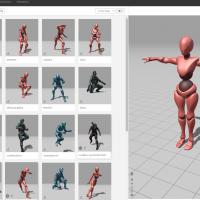


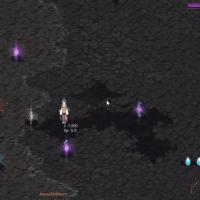

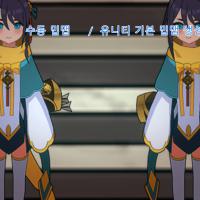
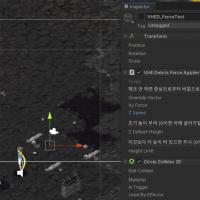
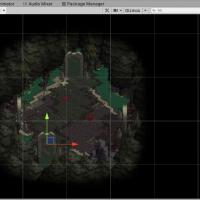


이런식의 그래픽 셋팅은 3D모델링에 2D텍스쳐를 입힌건가요?